
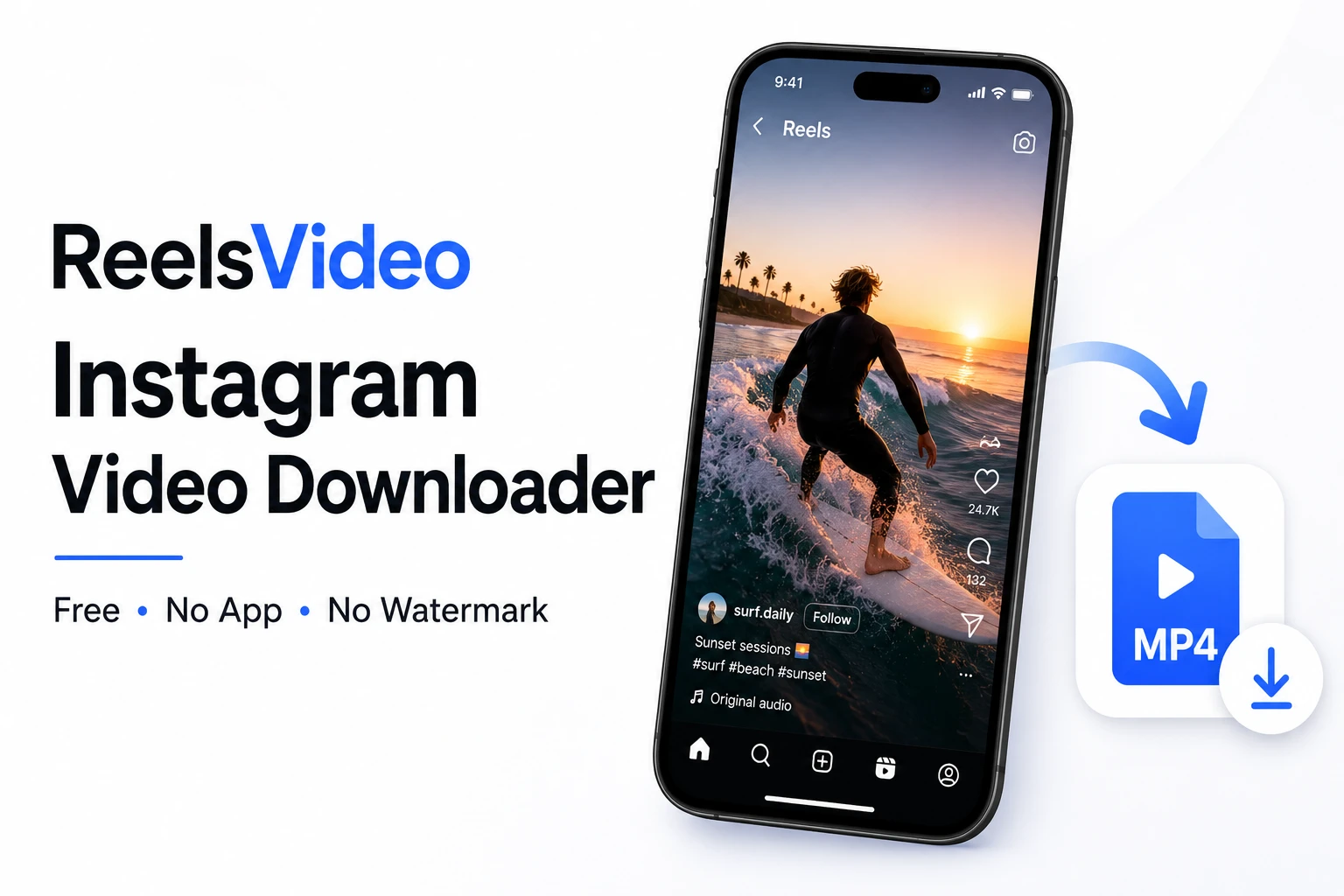
Instagram doesn’t have a built-in download button for most of its content. You can save videos to collections inside the app, but the file never actually reaches your device — and if the creator deletes the post, your saved bookmark disappears with it. ReelsVideo is a free online tool that solves this in under a minute: paste the link, get the file. No account, no app, no watermark added. Works on Android, iPhone, and any desktop browser.
What You Can Download with ReelsVideo
The tool handles all public Instagram content types in their original quality:
| Content Type | Output Format | Quality |
| Feed videos | MP4 | HD 720p or Full HD 1080p |
| Reels | MP4 (vertical) | HD 720p or Full HD 1080p |
| IGTV | MP4 | HD 720p |
| Stories & Highlights | MP4 or JPG | Original upload quality |
| Photos & Carousels | JPG | Up to 1080 × 1350 px |
Private accounts are not accessible — this is Instagram’s own platform restriction.
How to Download Instagram Videos — Step by Step
Go to reelsvideo.io in any browser. Free, no sign-up required.
- Open Instagram and find the video, Reel, photo, or Story you want to save.
- Tap the three dots (••• on iPhone, ⋮ on Android) on the post.
- Select Copy link.
- Go to reelsvideo.io in your browser.
- Paste the link into the input field and tap Download.
- The original file saves to your device in HD quality — no watermark added.
On Android
Chrome downloads the file without extra steps. The MP4 goes straight to your Downloads folder and appears in the Gallery automatically. If you don’t see it there, check the Download folder in your file manager.
Safety note: ReelsVideo only needs the post link — never your Instagram password. If any site asks you to log into Instagram to download content, leave immediately.
On iPhone
Safari sometimes tries to play the video in the browser instead of saving it. Here’s the fix:
- Copy the Instagram link.
- Open Safari and go to reelsvideo.io.
- Paste the link and tap Download.
- If the video plays in the browser — tap and hold on it, then choose Download Linked File.
- The file appears in Files → Downloads. Move it to Photos if needed.
On PC or Mac
- Open Instagram in your browser and navigate to the post.
- Click the three dots and select Copy link.
- Open reelsvideo.io in a new tab.
- Paste the link and click Download.
- If the video opens in the browser, right-click and choose Save video as.
- The MP4 saves to your Downloads folder.
Why Is There No Watermark?
ReelsVideo retrieves the original file directly from Instagram’s servers — the exact file that exists before any platform branding is applied. No editing or processing is done on the file. This is different from Instagram’s own share feature, which adds a watermark when it allows downloading at all.
Why Download Instead of Saving to Collections?
Instagram collections are useful but have real limitations that a local file solves:
- If the creator deletes the post, it vanishes from your saved list too
- You can’t watch saved content offline without an internet connection
- You can’t share the file outside of Instagram
- You can’t use it in your own video editing projects
With the actual MP4 or JPG on your device, the content stays yours regardless of what happens on Instagram.
Is It Safe to Use?
Yes. The tool only needs the public link to the post — no login, no personal data, no Instagram credentials. Downloads happen over a standard HTTPS connection. ReelsVideo does not store downloaded content on its servers.
Frequently Asked Questions
Can I download from private Instagram accounts?
No. ReelsVideo only works with public accounts. Private content is not accessible through external tools.
Will the creator know I downloaded their content?
No. Instagram does not notify creators about downloads made through external services.
Is there a download limit?
No limits. Download as many videos, photos, and Reels as you need, completely free.
Can I use downloaded content in my own projects?
For personal use — offline viewing, backup, reference — there’s no issue. If you want to republish or use content commercially, you need permission from the original creator and should be aware of any music copyright in the video.
One Link. One Click. Your File.
Copy the link from Instagram, paste it into reelsvideo.io, and hit Download. Save Instagram videos free — no app, no account, no watermark. The file is on your device in seconds, in original HD quality, on Android, iPhone, or computer.
